Connected to your Hermes

Your Hermes agent. Wherever you are.

Chat, speak, manage, and give your agent hands — from the devices already around you.

Open source · Self-hosted · No cloud relay

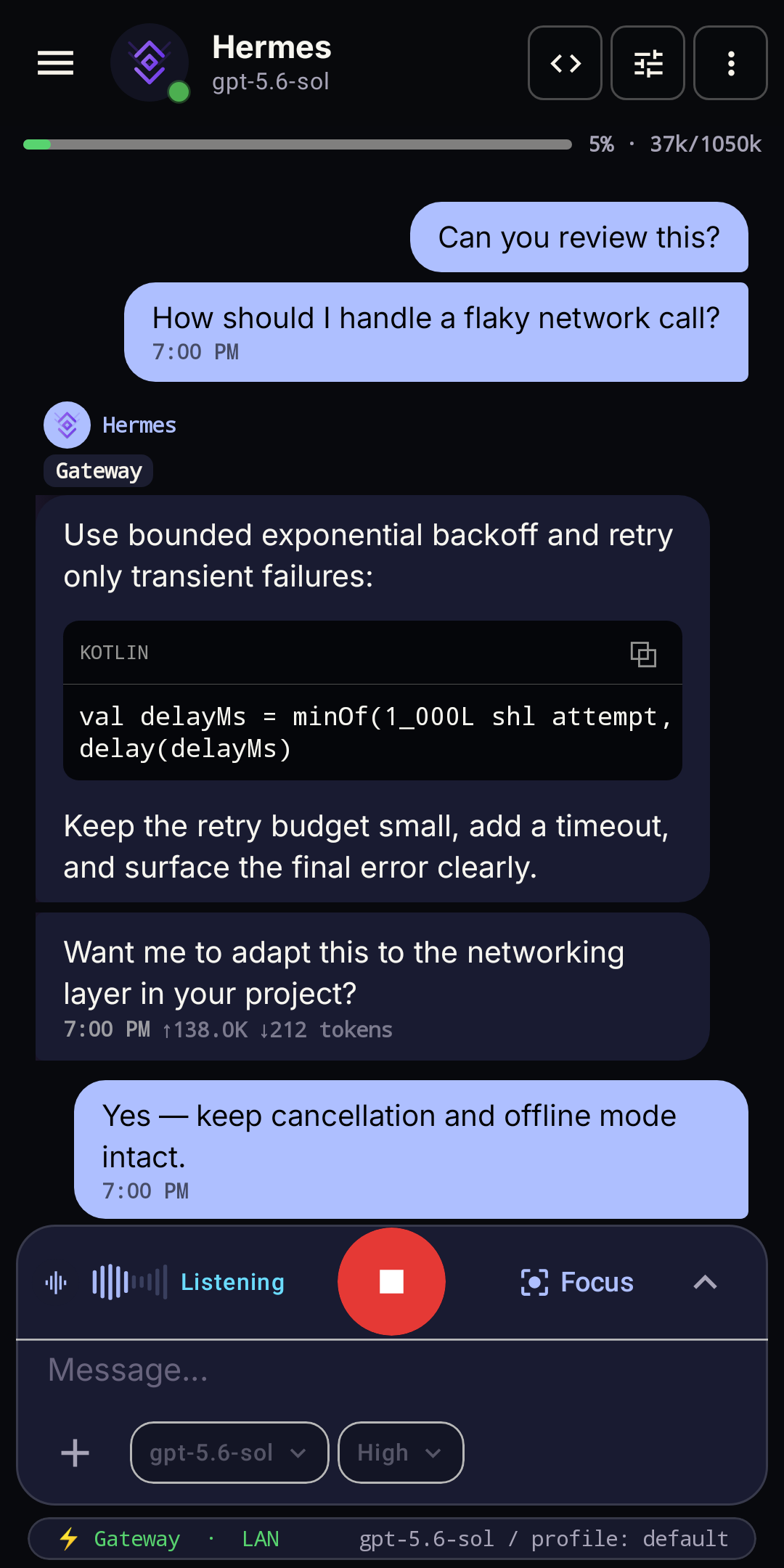
Hermes-Relay chat running on Android

gateway · LAN · direct

Direct by design

One agent. Every surface.

Hermes-Relay extends your agent to your phone and nearby machines. Connections stay direct, local-first, and under your control.

Android

Chat, voice, and power features in your pocket.

Take conversations on the go, speak naturally, and manage the Hermes you already run.

Sideloading simply means installing the signed APK yourself instead of through Google Play. Choose it when you want Device Control.

Manual updates · verify the APKNext stepSet up and connect
Hermes-Relay chat running on Android
  • ChatStreaming conversations and live agent work.
  • VoiceSpeak naturally, interrupt, and keep moving.
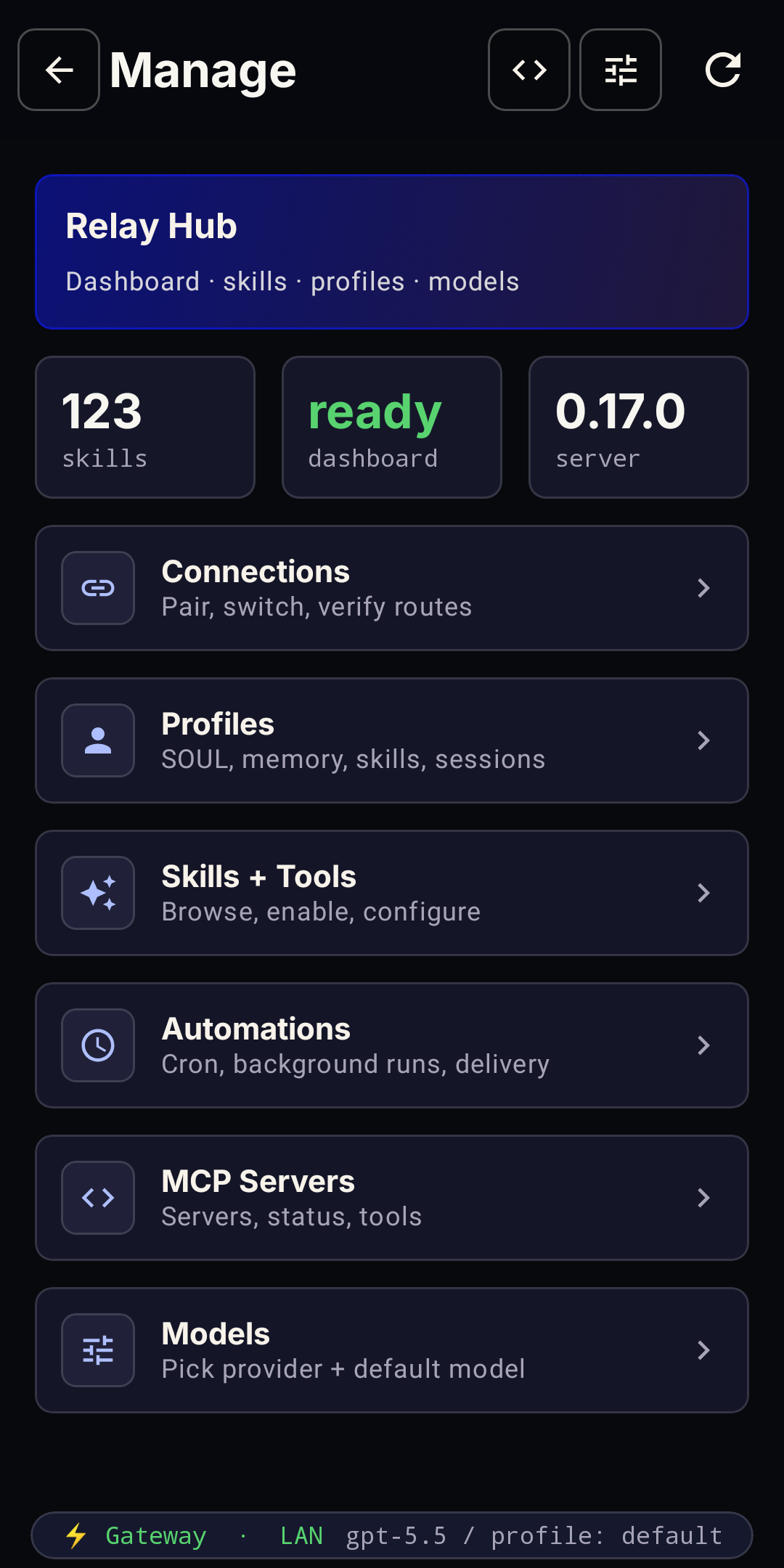
  • ManageProfiles, skills, models, and automations.
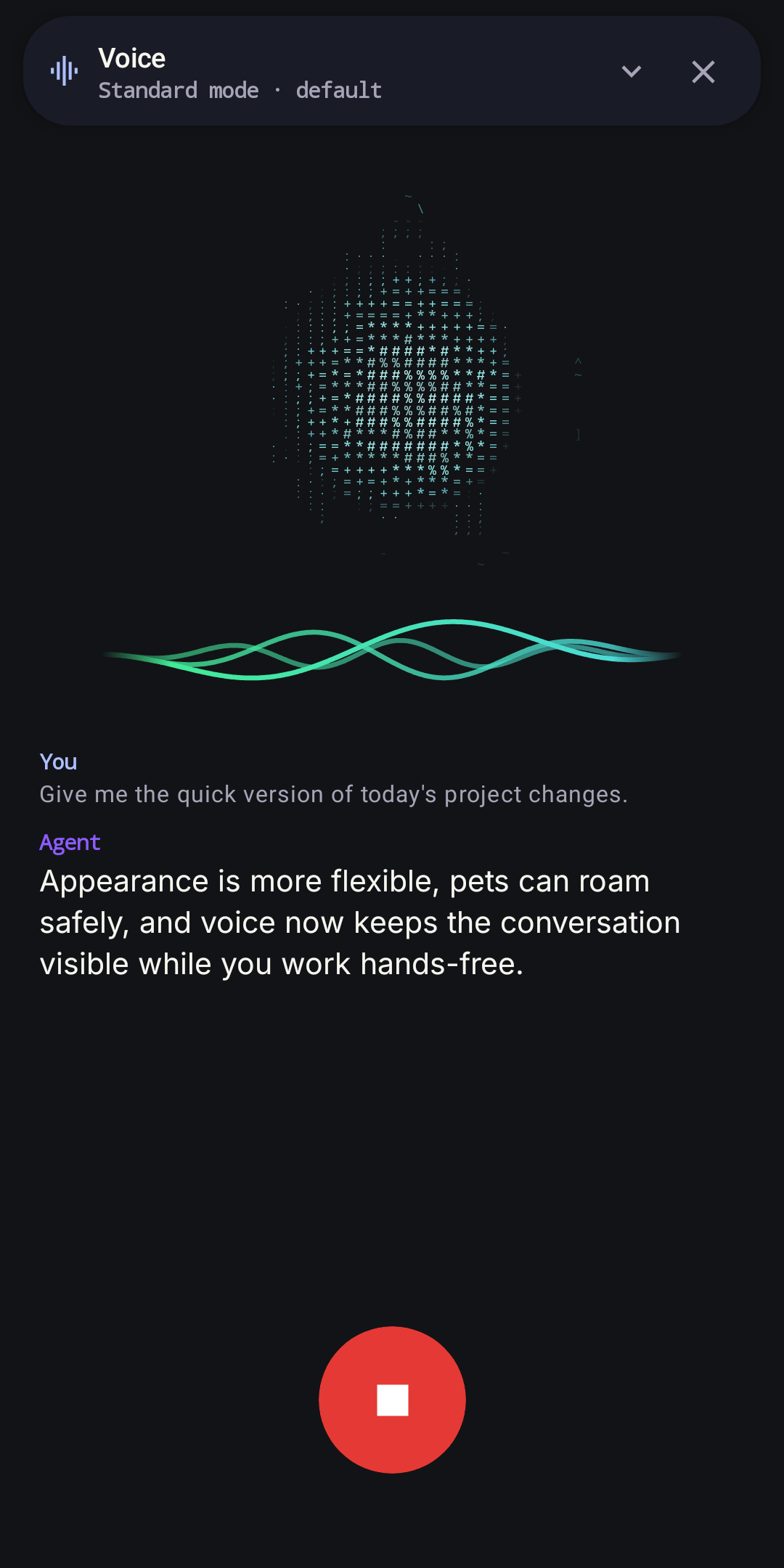
Hermes-Relay voice overlay
Voice focus
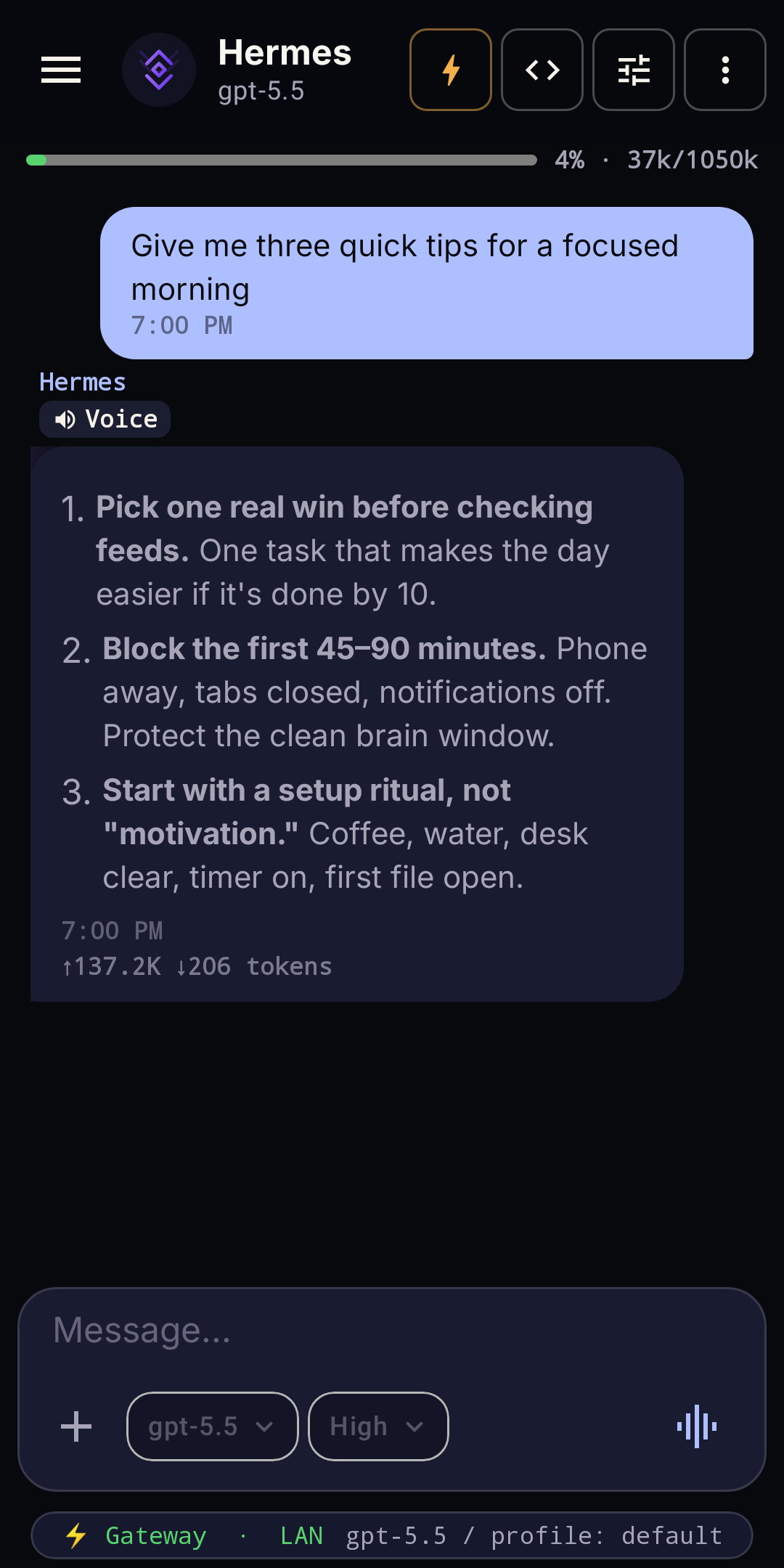
Hermes-Relay conversation voice controls in chat
Voice in chat
Hermes-Relay Manage screen
Manage
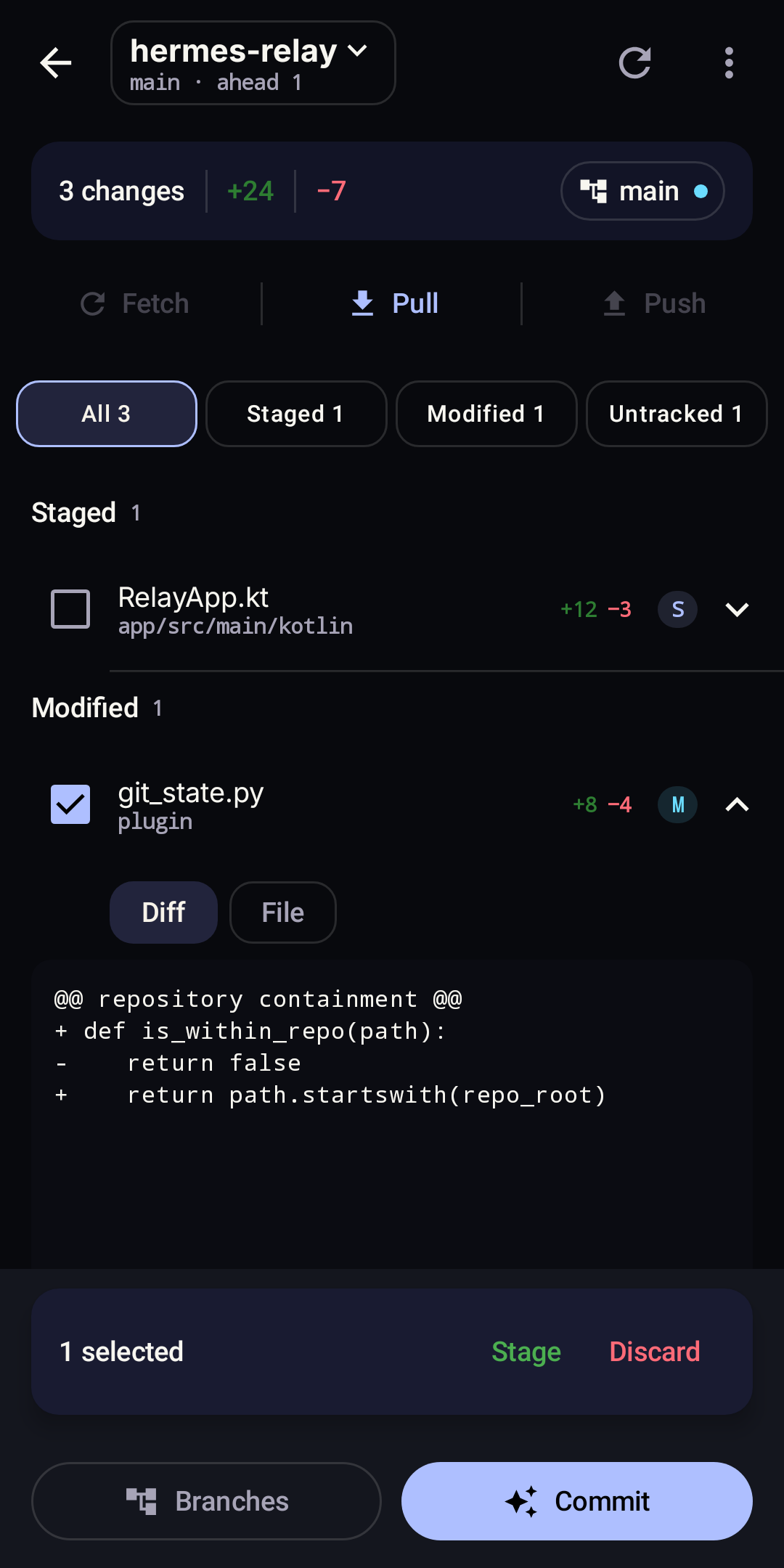
Hermes-Relay native Git workspace with changes, inline diff, and staging controls
Git workspace · Relay

Recommended Relay extension

Complete the Hermes experience with Relay.

Hermes-Relay prefers upstream for standard Chat, Manage, and Voice. The plugin fills current gaps with Terminal and TUI, notifications, media handoff, desktop tools, enhanced voice, Relay sessions, and optional Device Control. When upstream owns a compatible capability, Relay defers to it.

Terminal + TUI Notifications Media handoff Desktop tools Enhanced voice Device Control
Device Control is the most privileged path.

Requires the Sideload app and a paired Relay plugin. It is not included in the Google Play build.

Install and pair Relay

Desktop CLI

CLI · WINDOWS UI ADD-ON

Consent-gated access on your machine.

Give Hermes hands on the machine — only when you allow it.

hermes@machine:~

$ hermes-relay

Connecting…

Connected via Tailscale (secure)
remote Hermes ready

Attached · tmux session “default”
re-attached with scrollback

Desktop tools · capability-gated and local

attached
hermes-relay sessions

Pick up where you left off.

Reconnect to named tmux sessions with recent scrollback already in place.

hermes-relay daemon status

Available in the background.

Keep approved desktop tools ready through the headless daemon.

hermes-relay audit

See what ran on your machine.

Review the local record of every desktop tool call—even while offline.

Same install · two ways to work

Install once. Choose how you work.

Use the CLI everywhere. On Windows, the same install also includes the tray UI. Both installers verify release checksums.

Installation guide
PowerShell · CLI + UIirm https://raw.githubusercontent.com/Codename-11/hermes-relay/main/desktop/scripts/install.ps1 | iex
macOS / Linux · CLIcurl -fsSL https://raw.githubusercontent.com/Codename-11/hermes-relay/main/desktop/scripts/install.sh | sh
Next stepPair your first host

UI

Manage it without opening a terminal.

Windows includes an optional compact tray UI for hosts, access, approvals, activity, updates, and daemon settings.

Choose your next step

Ready to connect Hermes?

Start with Android and add Relay for the complete experience, or pair the CLI to give Hermes hands on another machine.