
App Themes
Settings → Appearance ships eight app themes. Your choice repaints the whole app — brand chrome, accents, and the chat background all follow it, not just the top bar. Light/Dark/Auto applies to themes that ship both modes; fixed-mode themes show their own complete look.
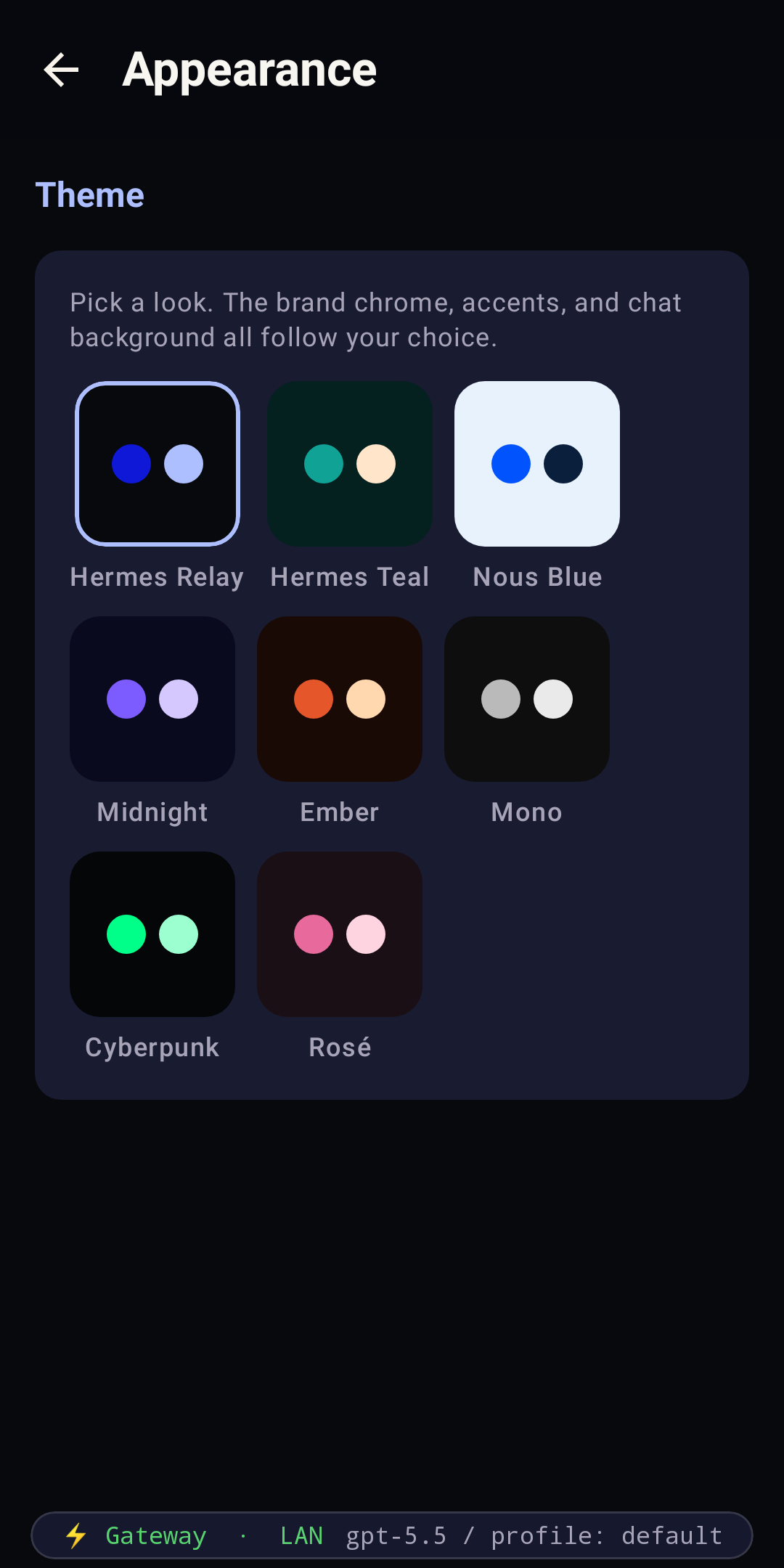
The eight looks
Each shot below is the same conversation, reskinned end-to-end by the theme — chrome, bubbles, input bar, and status strip included.
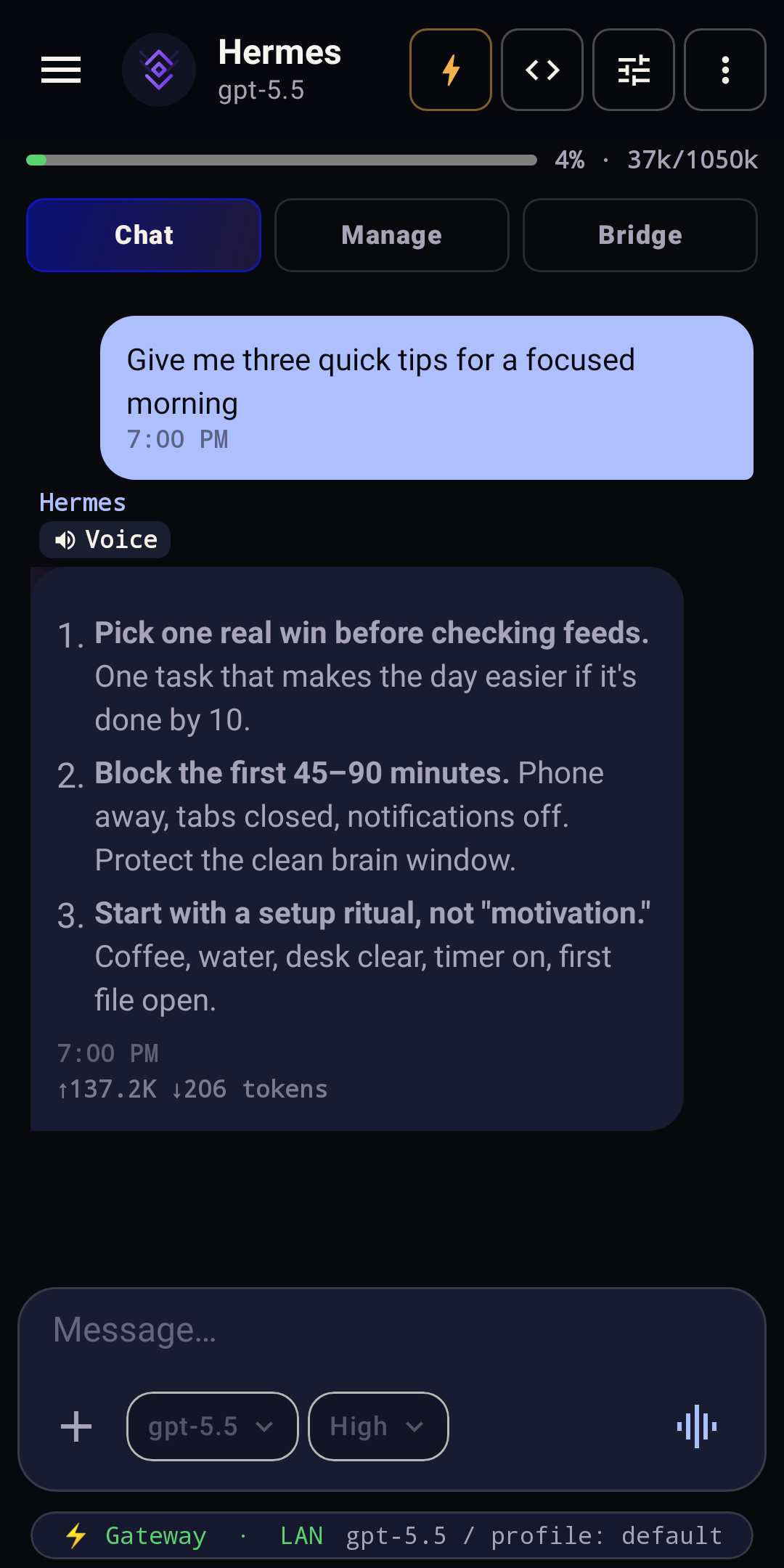
Signature electric-blue · light/dark
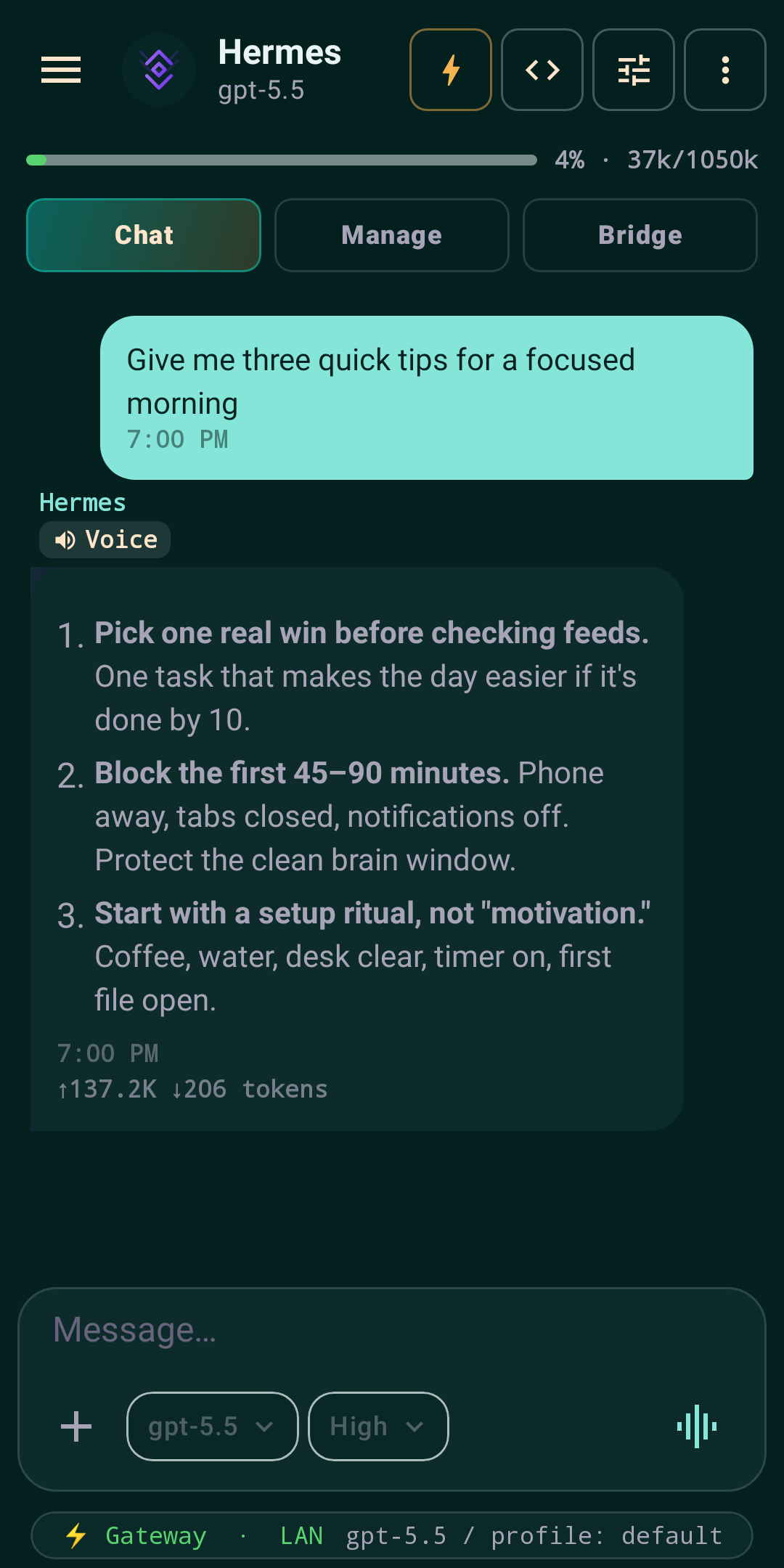
The canonical Hermes dark teal
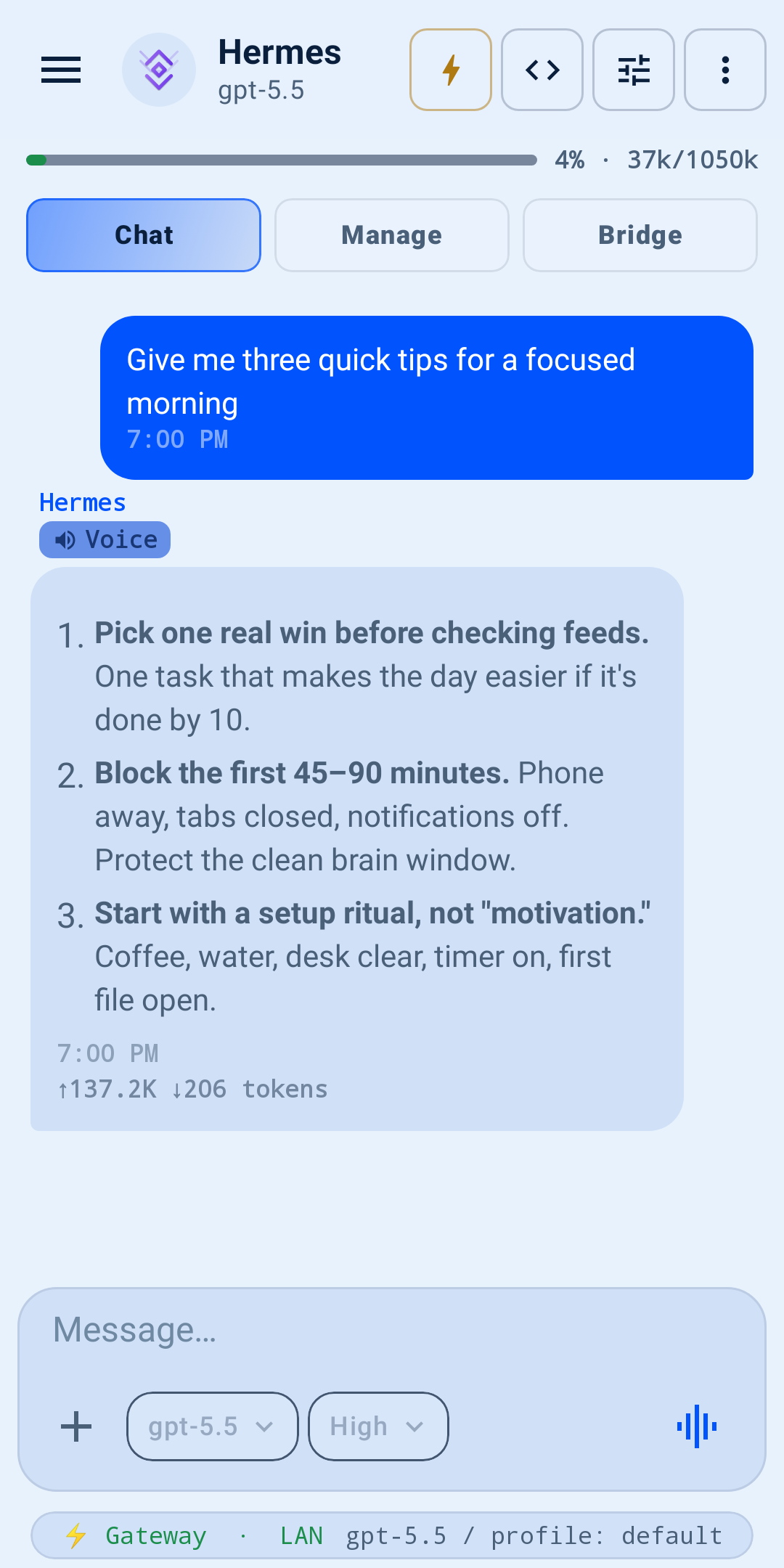
Light mode · Nous-blue on cream
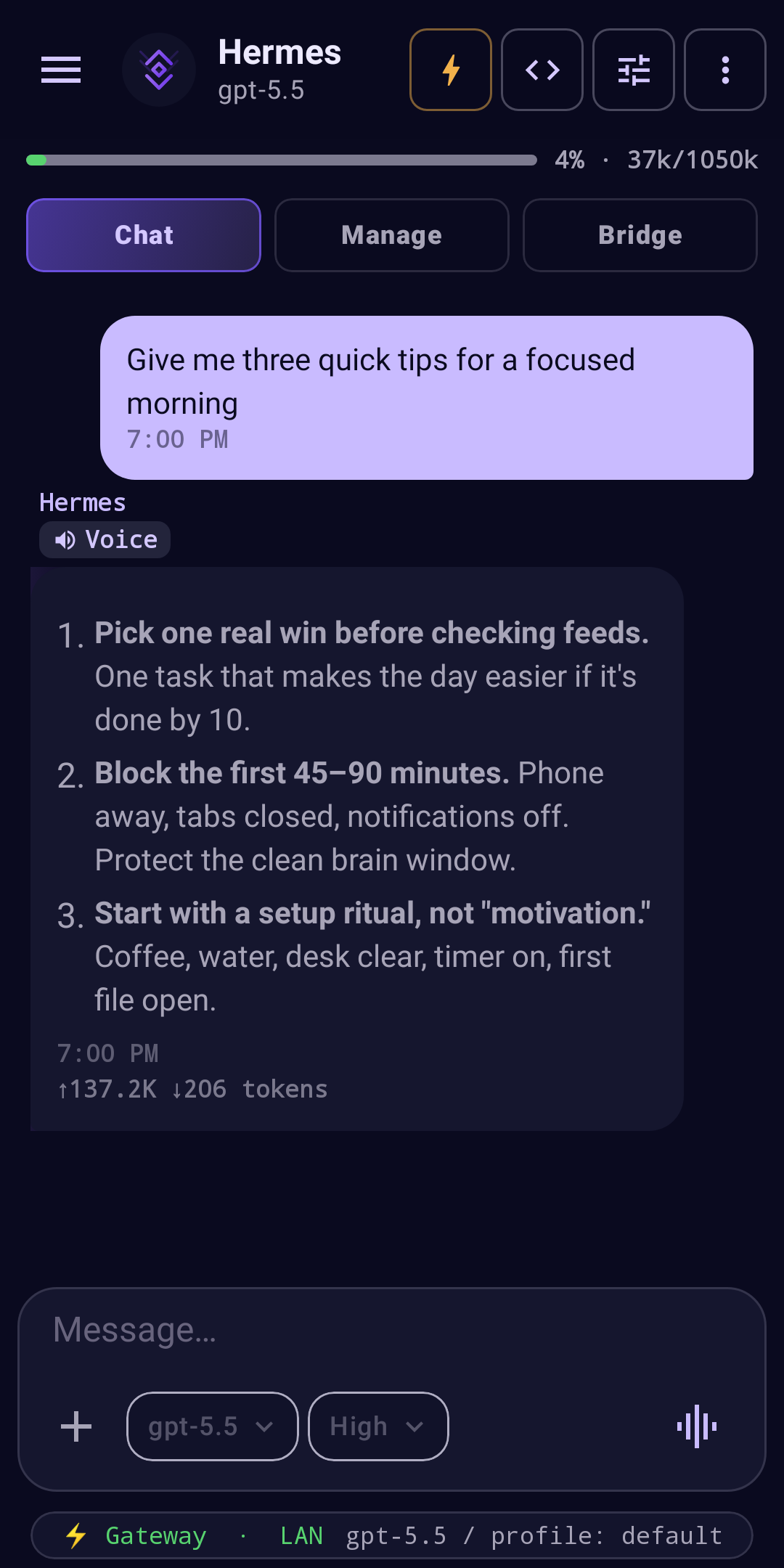
Deep blue-violet, cool accents
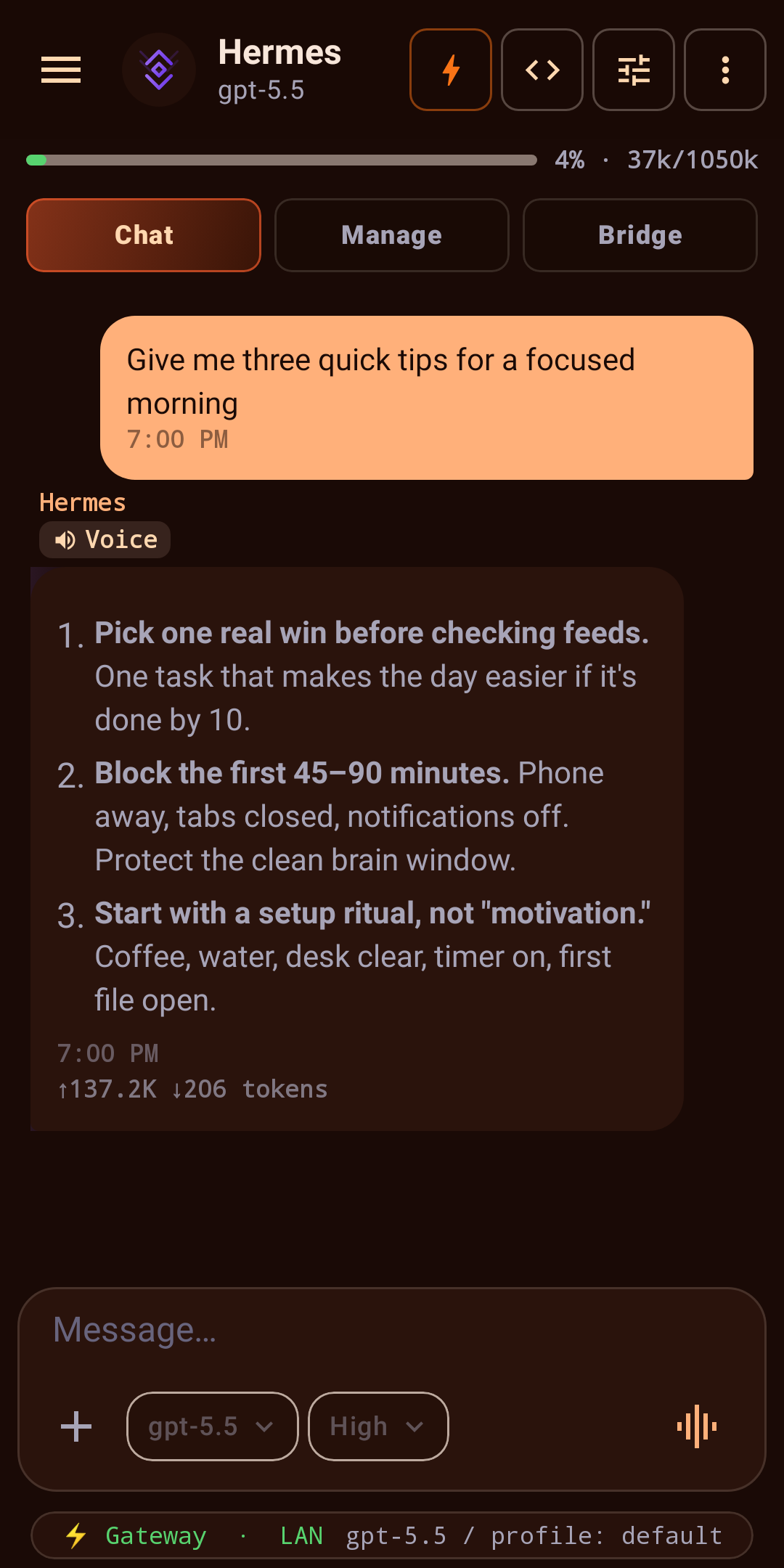
Warm crimson and bronze
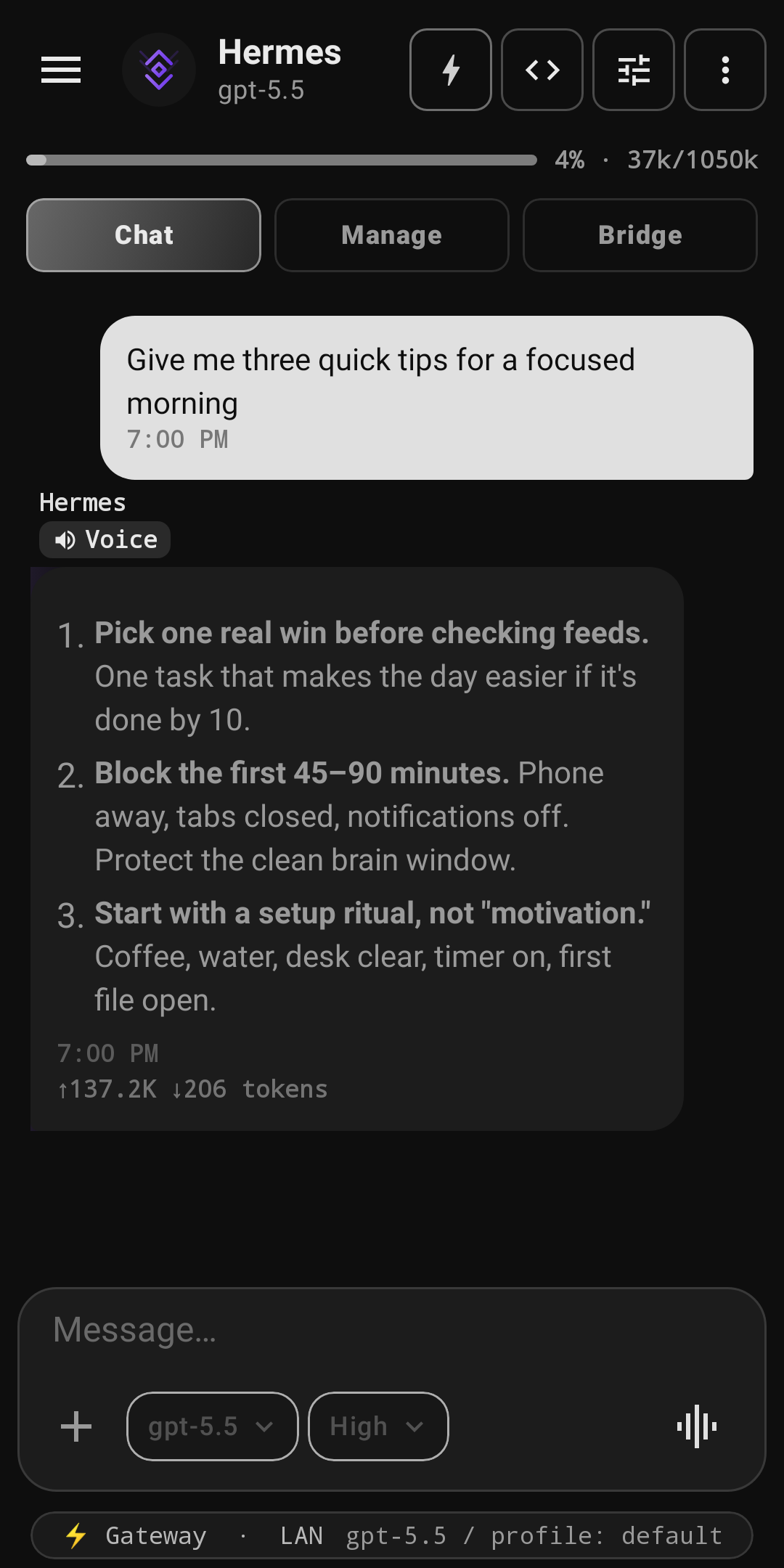
Clean grayscale, minimal
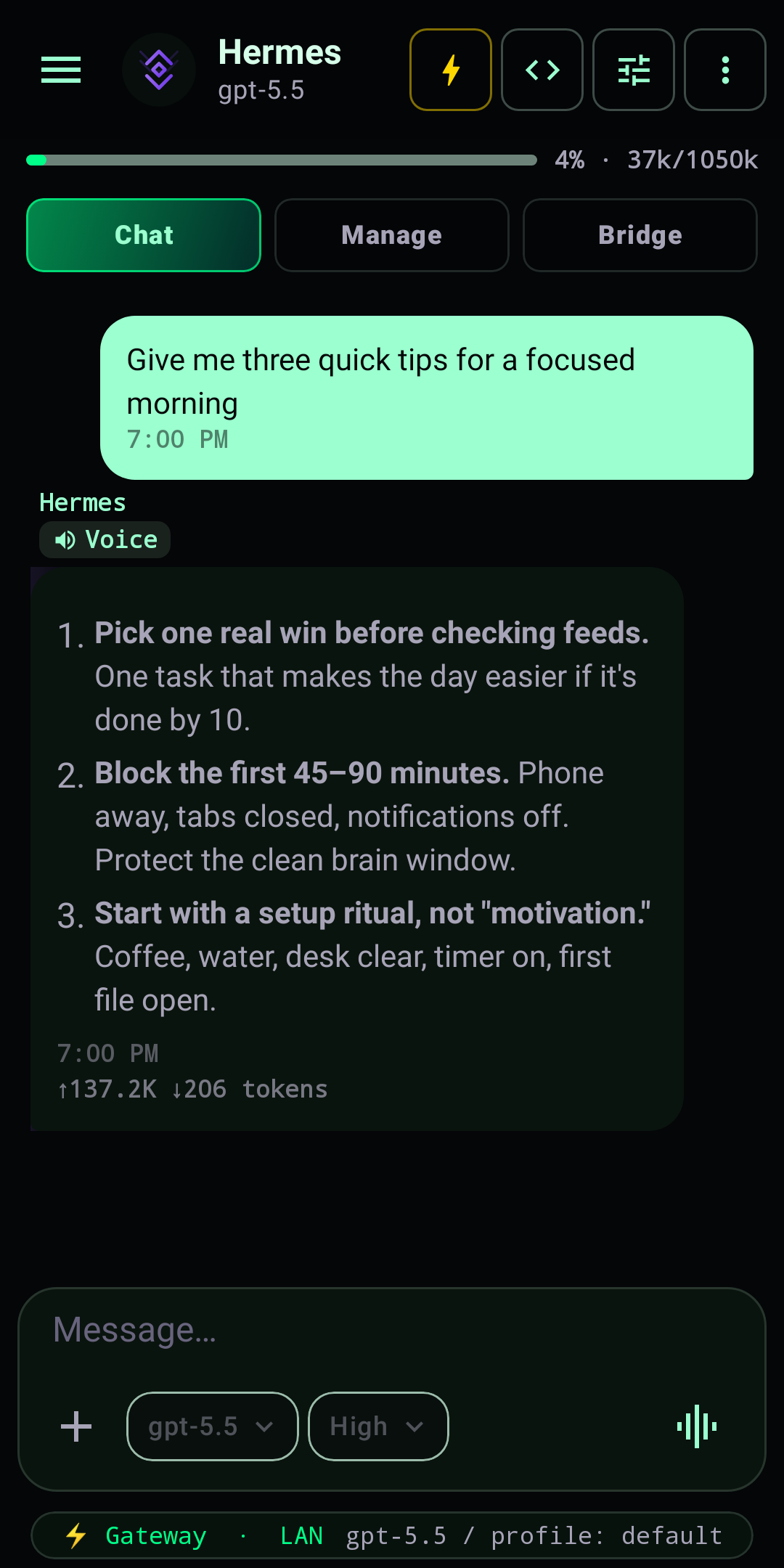
Neon green on black
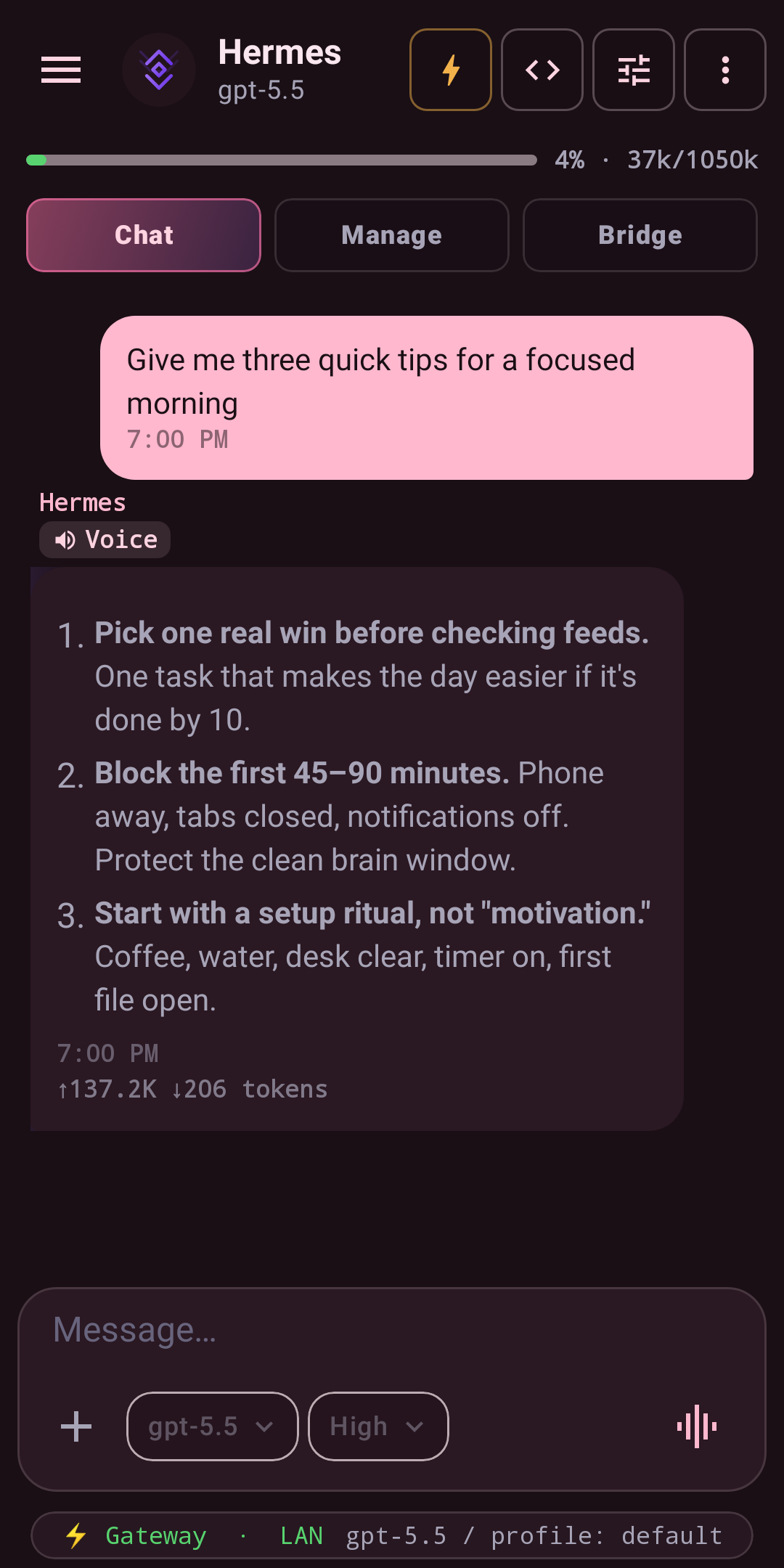
Soft pink and warm ivory
Related
- Custom Avatars — swap the agent orb for a sphere skin or an animated pet, and give each profile its own icon.
Themes are client-side and available on both flavors (Google Play and sideload) — they need no Device Control permissions and are never sent to Hermes.
Saved custom themes
Choose Custom in the preset gallery to open the theme workshop. A custom preset stores its name, Background, Surface, Accent, Text, and Soft/Balanced/Sharp shape on this device. The live conversation preview updates before you save.
Saved presets can be selected, renamed, duplicated, or deleted. Edit the name directly in the workshop and choose whether the preset is Light or Dark. Auto remains disabled because each preset stores one authored palette rather than a paired light/dark set. Reset theme returns the app to Relay + Auto + Soft without deleting saved custom themes.